Odoo Configuration Parameters | The Ultimate Guide to Optimizing Performance
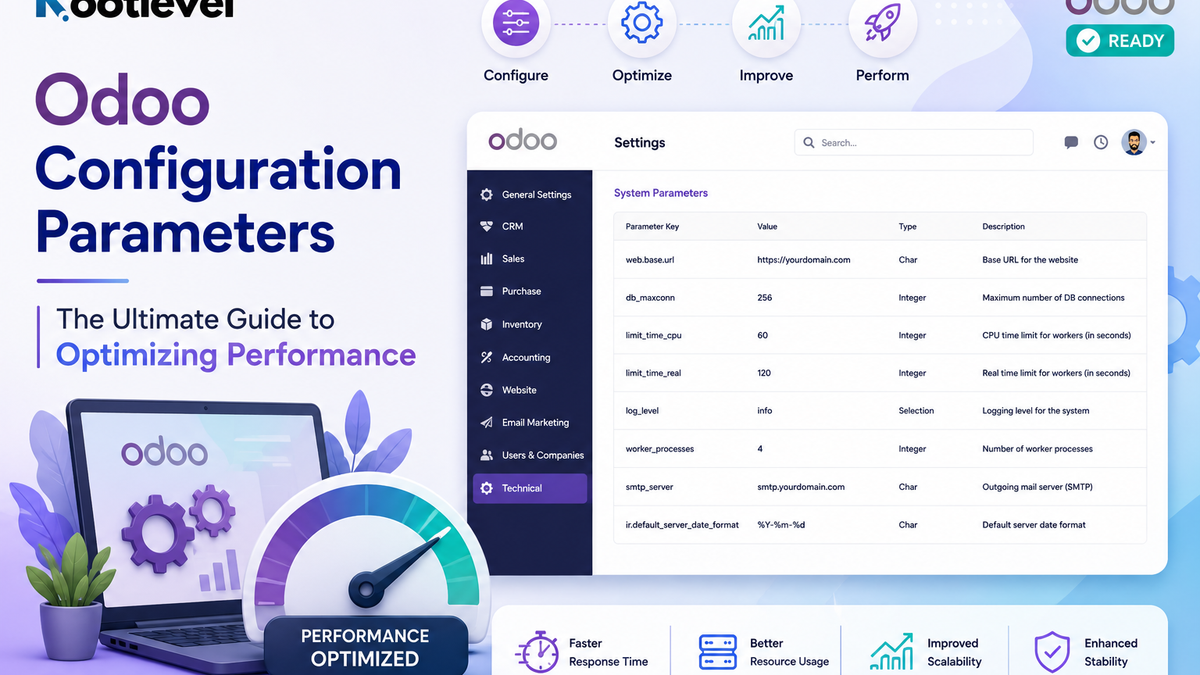
Discover essential Odoo configuration parameters to enhance your system’s performance. Learn how to configure memory, database, security, and more for optimal efficiency.
Odoo, being a versatile ERP system, offers a variety of configuration parameters to help you fine-tune its behavior according to your business needs. Whether you’re setting up a new instance or optimising an existing one, understanding these parameters is essential. Here’s a categorised breakdown of Odoo’s configuration options to guide you through the process.
General Settings
These parameters define the basic functionality of your Odoo instance, such as module paths and logging settings.
addons_path: Specifies the directories where Odoo looks for modules..
addons_path: Specifies the directories where Odoo looks for modules.
admin_passwd: The master password for managing databases securely.
db_name: Sets the default database to use during startup.
data_dir: The path for storing Odoo-related data.
log-file: Location of the log file for monitoring operations.
log_level: Defines the verbosity of logs (e.g., info, debug, error)
Database Settings
These settings control Odoo’s connection to the PostgreSQL database.
db_host: The host-name of the database server.
db_port: Port for database connections (default: 5432).
db_user: Username for the database connection.
db_password: Password for the database connection.
db_maxconn: Maximum database connections allowed.
dbfilter: Filters databases that Odoo can access.
pg_path: Path to PostgreSQL binaries for database management tasks.
Performance and Resource Limits
Optimise Odoo’s performance and manage resource usage with these parameters.
limit_memory_hard: Maximum memory usage (in bytes) before a worker is terminated.
limit_memory_soft: Memory usage threshold to trigger warnings.
limit_time_cpu: Maximum CPU time (in seconds) allocated per request.
limit_time_real: Maximum real-time (in seconds) allowed per request.
limit_time_real_cron: Maximum time for cron jobs to execute.
limit_file_upload: Maximum size (in bytes) for uploaded files.
Server Settings
Control server operations like ports and worker processes with these parameters.
http_port: Port for the HTTP server (default: 8069).
xmlrpc_port: Port for XML-RPC connections.
longpolling_port: Used for live chat and notifications.
proxy_mode: Enable if Odoo runs behind a reverse proxy.
workers: Number of worker processes (set to 0 for multi-threading).
Security
Enhance the security of your Odoo instance using these parameters.
ssl_certificate: Path to the SSL certificate for secure connections.
ssl_private_key: Path to the SSL private key file.
proxy_mode: Ensures secure headers when using a reverse proxy.
db_sslmode: Defines database SSL mode (e.g., prefer, require).
Mail and Notifications
Configure outgoing email and notification settings here.
smtp_server: Outgoing mail server address.
smtp_port: Port for the SMTP server (e.g., 25, 587).
smtp_user: Username for SMTP authentication.
smtp_password: Password for SMTP authentication.
mail_queue_limit: Number of emails sent per batch.
Localization
Customize Odoo’s default language and timezone settings.
lang: Default language for the instance.
timezone: Default timezone for the instance.
Developer and Debugging
Useful for developers and testing purposes.
dev_mode: Enable developer mode for advanced debugging.
test_enable: Activates test mode for running test cases.
debug: Logs detailed server requests for troubleshooting.
Advanced Parameters
Control advanced operations and protocols with these options.
jsonrpc: Enable JSON-RPC protocol.
xmlrpc_interface: Specifies the XML-RPC interface.
xmlrpc: Enables XML-RPC connections.
netrpc_interface: Specifies the NET-RPC interface.
reportgz: Compress reports using gzip for efficiency.
How to Use These Parameters
You can include these parameters in your odoo.conf file or pass them as command-line arguments during Odoo startup. For example:
--addons-path = /path/to/addons
--db_host = localhost
--workers = 4
Conclusion
Understanding and configuring Odoo parameters is key to tailoring your ERP system for optimal performance, security, and usability. Whether you’re a developer fine-tuning the system or a business owner setting up the basics, these parameters provide the flexibility to meet your specific needs. Start tweaking today and unlock the full potential of your Odoo setup!
in Knowledge Base# ERP Odoo Tools