AI Operations
Advance Drag & Drop Files Module for Odoo
Mohit R - Rootlevel
September 29, 2025
5 min read
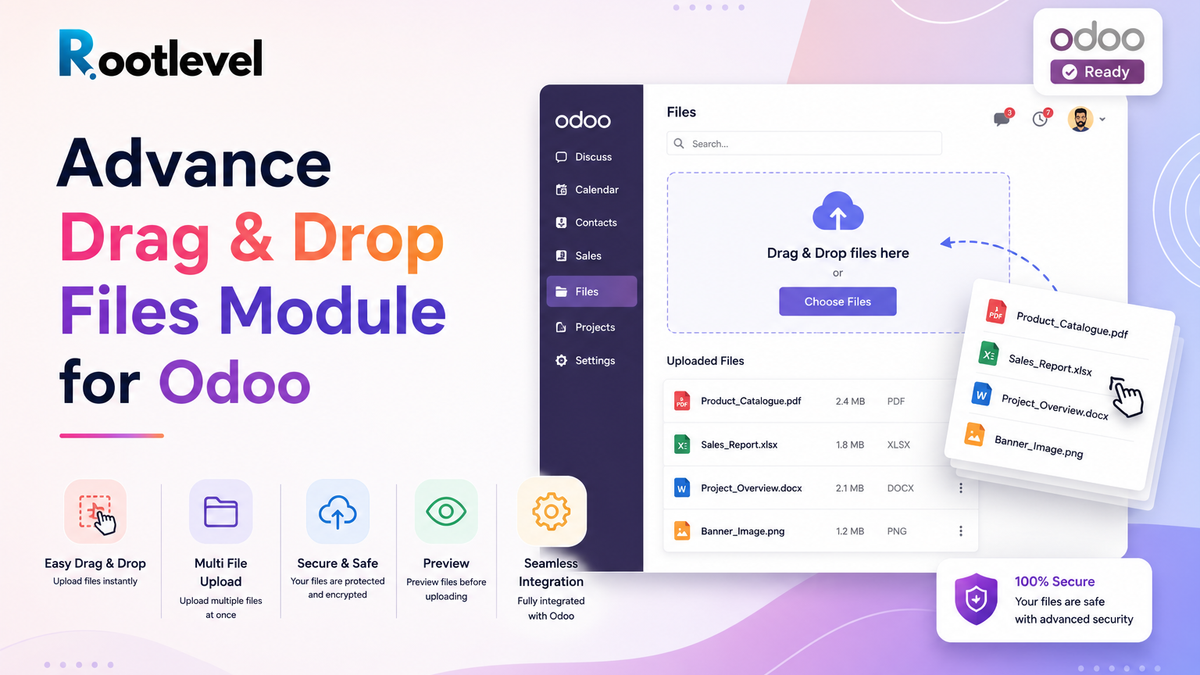
Upload files easily with drag & drop, preview, and optional virus scanning directly within Odoo.
Introduction
File attachments are everywhere — whether it’s invoices, contracts, product documents, or images. But the default file upload in Odoo can feel dated and clunky: you click “Choose File”, browse, upload, repeat.
What if you could just drag & drop files — with previews, batch uploads, and even virus scanning? That’s exactly what the Advance Drag & Drop Files module by Rootlevel brings to Odoo.
Why Drag & Drop Matters in Odoo
- Faster workflow — dragging files is faster than navigating file dialogs
- Batch uploads — upload multiple files at once instead of one-by-one
- Better UX — image preview helps users confirm what they’re uploading
- Security — optional virus scanning ensures attachments are safe
- Consistency — works inside forms, chatter, attachments, etc.
How It Works
- Install the module in your Odoo instance.
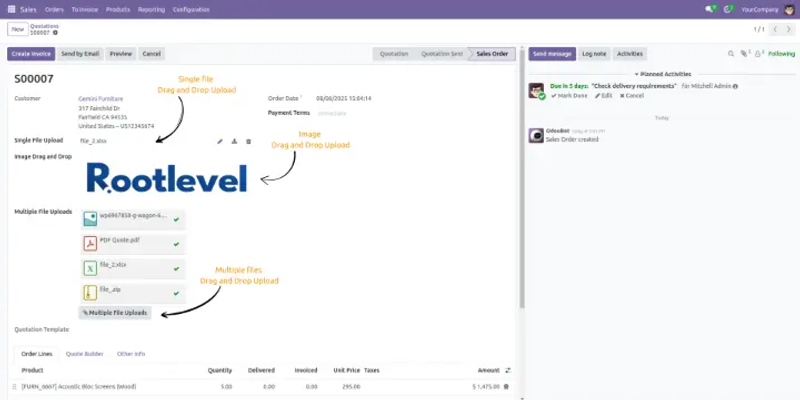
- Add drag and drop widgets from odoo studio or add the field via frontend or backend
- Once fields and widgets are set, Drag one or multiple files; previews show for images. with different widgets
- If virus scanning is enabled, the module scans the files before saving.
- If scan passes, files are saved as attachments.
- If scanning is disabled (or in environments without ClamAV), the module falls back to standard upload.
Use Cases & Benefits
- Support / helpdesk: Users can drag and drop files into case attachments or chatter.
- Sales / quotations: Attach product specs, brochures, images quickly.
- Documents module: Simplify uploading of multiple documents.
- HR / resumes: Drag and drop resume files when processing applications.
- Project / Tasks: Attach design files, reports rapidly without file dialog clicks.
Benefits:
- Speeds up user tasks
- Improves usability and user satisfaction
- Adds security layer with virus scanning
- Reduces mistakes (wrong file, missed uploads)
Technical & Compatibility Notes
- Uses ClamAV + PyClamd for virus scanning (optional)
- If scanning not available, disable it and module falls back to standard upload behavior
- Module is compatible with versions 14.0, 15.0, 16.0, 17.0, 18.0
Screenshots
Refer to the README.md file for complete instructions on how to use this module.
Or Request a demo / Contact us